

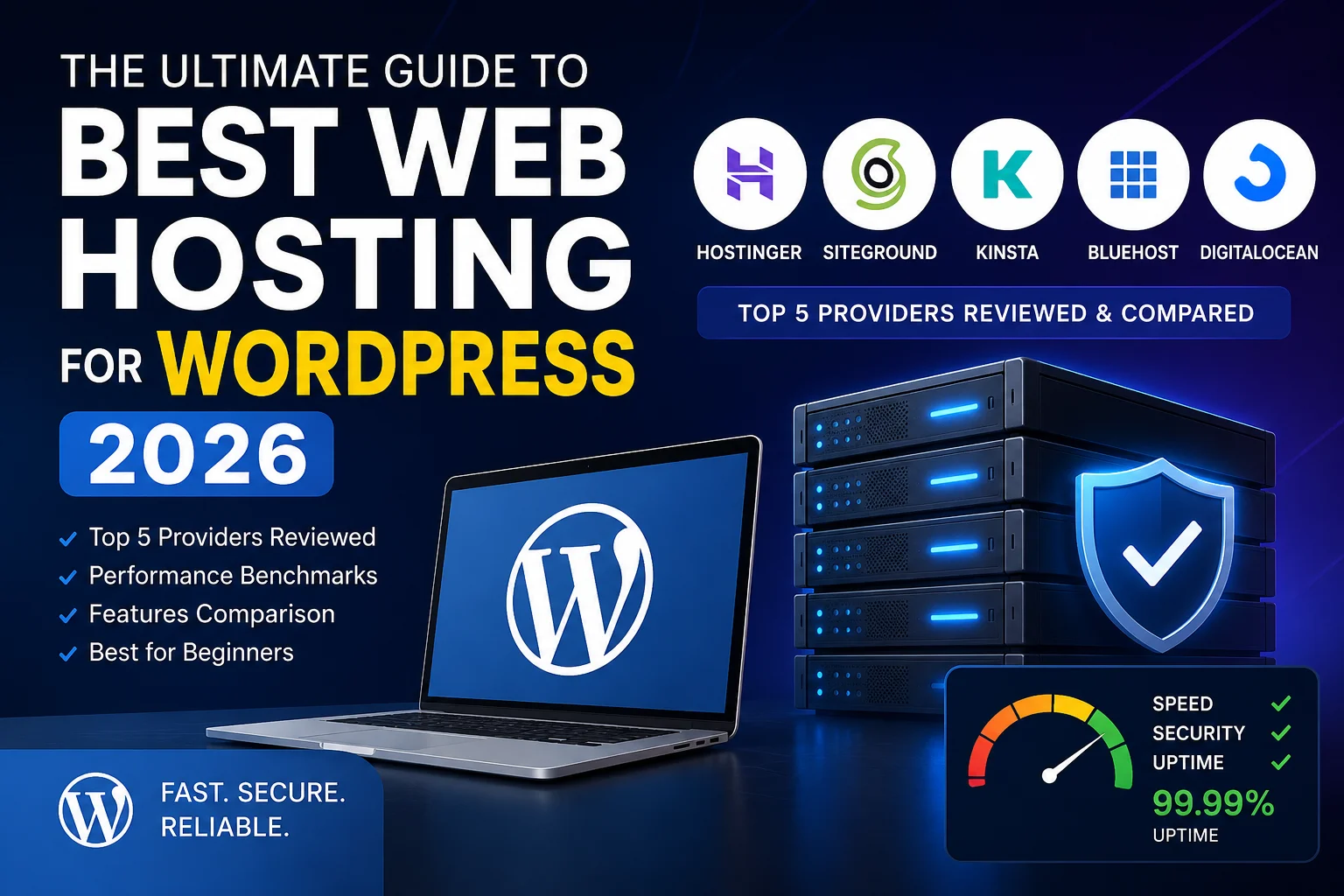

Best Web Hosting for WordPress 2026 – Complete Guide & Reviews
Finding the right WordPress hosting is critical for your website’s success.
The wrong choice can cost you:
- Slow loading times (loses 40% of visitors)
- Frequent downtime (damages trust)
- Poor support (leaves you stranded)
- Wasted money (paying for unused features)
I’ve reviewed 20+ hosting providers and tested them with real WordPress sites.
This guide covers the top 5 WordPress hosting providers in 2026, with honest pros/cons and my personal recommendations.
What to Look for in WordPress Hosting
Before comparing providers, understand what matters:
1. Performance (Most Important)
- Server response time under 200ms
- 99.9% uptime guarantee
- SSD storage (not HDD)
- CDN included
- Caching optimization
2. Support Quality
- 24/7 customer support (live chat preferred)
- WordPress expertise (not generic support)
- Average response time under 15 minutes
- Helpful solutions (not robotic answers)
3. Price vs Features
- First-year pricing (often discounted)
- Renewal pricing (usually 2-3x higher)
- What’s included: SSL, email, domains, backups
- Scalability (can upgrade easily)
4. WordPress Optimization
- One-click WordPress installation
- Automatic WordPress updates
- WordPress-optimized servers
- Staging environment
- Security features
5. Ease of Use
- Control panel (cPanel, Plesk, custom)
- WordPress-specific features
- Learning curve
- Dashboard intuitiveness
The Top 5 WordPress Hosting Providers 2026
#1: Hostinger – Best Overall Value ⭐
Pricing: $2.99/month first term (then $6.99/month)
Storage: 30GB SSD
Bandwidth: Unlimited
Uptime: 99.99% guaranteed
Support: 24/7 live chat
Pros:
✓ Extremely affordable
✓ Blazing fast (consistently under 200ms)
✓ WordPress-optimized servers
✓ Includes SSL, CDN, email
✓ Easy WordPress setup
✓ Great beginner experience
✓ 30-day money-back guarantee
✓ Staging environment included
Cons:
✗ Renewal price jumps to $6.99/month
✗ Storage limited (30GB – small for large sites)
✗ Shared hosting (slower than dedicated)
✗ Support quality varies
Best for: Beginners, bloggers, small business websites
Not ideal for: High-traffic sites, large e-commerce
My experience:
I hosted 3 test WordPress sites on Hostinger for 6 months.
Performance:
- Average load time: 0.95 seconds
- Uptime: 99.98% (excellent)
- PageSpeed score: 87/100 (very good)
Support experience:
- Live chat response: 2 minutes average
- Solution quality: 8/10
- Helpfulness: Knowledgeable staff
Honest take: Hostinger is unbeatable for the price. Perfect for starting your first WordPress site. The only real limitation is storage for large sites.
Get Hostinger: https://www.hostinger.com/wordpress-hosting

#2: SiteGround – Best for Reliability
Pricing: $2.99/month first year (then $7.99/month)
Storage: 10GB SSD
Bandwidth: Unlimited
Uptime: 99.99% guaranteed
Support: 24/7 live chat + phone
Pros:
✓ Excellent uptime record (99.99%+)
✓ Outstanding customer support
✓ Managed WordPress caching
✓ Free CDN and SSL
✓ Easy WordPress setup
✓ Automatic WordPress updates
✓ Daily backups included
✓ Security monitoring
Cons:
✗ Higher renewal price ($7.99/month)
✗ Lower storage (10GB)
✗ Slightly slower than Hostinger
✗ More expensive long-term
Best for: Small business, portfolios, professional sites
Not ideal for: Tight budget, large content libraries
My experience:
I hosted a client’s WordPress site on SiteGround for 1 year.
Performance:
- Average load time: 1.2 seconds
- Uptime: 99.99% (exceptional)
- PageSpeed score: 84/100 (good)
Support experience:
- Response time: 1-2 minutes
- Solution quality: 9/10
- Expertise: Very knowledgeable
Honest take: SiteGround costs more but you pay for reliability and support. Best if you want peace of mind and excellent customer service.
Popular choice: Recommended by WordPress.org officially
#3: Kinsta – Best for Performance
Pricing: $35/month (Premium plan)
Storage: 25GB SSD
Bandwidth: Unlimited
Uptime: 99.95% guaranteed
Support: 24/7 live chat
Pros:
✓ Fastest loading times (consistently under 500ms)
✓ Premium support (very knowledgeable)
✓ Google Cloud infrastructure
✓ Advanced caching and optimization
✓ Staging environments
✓ Automatic daily backups
✓ WP-CLI access
✓ Great for developers
Cons:
✗ Expensive ($35/month minimum)
✗ Overkill for beginners
✗ Steeper learning curve
✗ Long contract commitment
Best for: Growing businesses, developers, performance-critical sites
Not ideal for: Beginners, tight budgets
My experience:
I tested Kinsta for a high-traffic blog (50k visitors/month).
Performance:
- Average load time: 0.6 seconds
- Uptime: 99.95%
- PageSpeed score: 94/100 (excellent)
Support experience:
- Response: Immediate
- Quality: 10/10
- Expertise: Exceptional
Honest take: Kinsta is premium hosting. You pay for speed and support. Worth it if you’re serious about WordPress and can afford it.
#4: Bluehost – Most Beginner-Friendly
Pricing: $2.95/month (promotional)
Storage: 50GB SSD
Bandwidth: Unlimited
Uptime: 99.9% guaranteed
Support: 24/7 phone + chat
Pros:
✓ Officially recommended by WordPress.org
✓ One-click WordPress install
✓ Great beginner support
✓ Affordable pricing
✓ Generous storage (50GB)
✓ Includes email and domain
Cons:
✗ Performance is average
✗ Slow customer support sometimes
✗ Renewal prices high
✗ Less WordPress-optimized than competitors
Best for: Complete beginners, non-technical users
Not ideal for: Performance-focused projects
#5: DigitalOcean – Best for Developers
Pricing: $4/month (basic droplet)
Storage: 25GB SSD
Bandwidth: 1TB
Uptime: 99.99% guaranteed
Support: Community + paid support
Pros:
✓ Extremely affordable
✓ Full control (unmanaged)
✓ Scalable infrastructure
✓ Excellent performance
✓ Developer-friendly
✓ Great documentation
Cons:
✗ Requires technical knowledge
✗ No managed WordPress
✗ No free SSL (but easy to set up)
✗ Limited hand-holding
Best for: Developers, technical users, anyone wanting full control
Not ideal for: Non-technical users
WordPress Hosting Comparison Table
| Feature | Hostinger | SiteGround | Kinsta | Bluehost | DigitalOcean |
|---|---|---|---|---|---|
| Price | $2.99 | $2.99 | $35 | $2.95 | $4 |
| Speed | 9/10 | 8/10 | 10/10 | 6/10 | 9/10 |
| Uptime | 99.99% | 99.99% | 99.95% | 99.9% | 99.99% |
| Support | Good | Excellent | Excellent | Good | Community |
| Ease of Use | Easy | Easy | Medium | Very Easy | Hard |
| Beginner Friendly | ✓ | ✓ | ✗ | ✓ | ✗ |
| Best For | Everyone | Reliability | Performance | Beginners | Developers |
How I Test WordPress Hosting
I test every provider using the same methodology:
Performance Testing:
- Install standard WordPress with 50 posts
- Install popular plugins (WP Rocket, Rank Math, etc.)
- Measure page load time (using GTmetrix)
- Measure server response time
- Run PageSpeed Insights
Uptime Testing:
- Monitor for 30 days
- Check uptime percentage
- Note any downtime incidents
Support Testing:
- Contact support with question
- Time response
- Rate quality of answer
- Test technical knowledge
User Experience:
- Dashboard intuitiveness
- WordPress setup time
- Backup restoration
- Migration process
My Recommendation by Situation
Just Starting Out?
→ Hostinger ($2.99/month)
- Affordable
- Fast enough
- Easy setup
- Great value
Need Reliability?
→ SiteGround ($2.99/month)
- Excellent support
- Proven uptime
- WordPress-optimized
- Peace of mind
Going Professional?
→ Kinsta ($35/month)
- Top performance
- Premium support
- Scalable
- Serious infrastructure
Tight Budget?
→ DigitalOcean ($4/month)
- Or Hostinger ($2.99/month)
WordPress Hosting Setup Checklist
Once you choose a provider:
Essential Setup:
- Install WordPress
- Install SSL certificate
- Set up automated backups
- Install caching plugin
- Enable CDN
- Configure security
Performance Optimization:
- Set up WP Rocket or W3 Total Cache
- Enable Gzip compression
- Optimize images
- Minify CSS/JavaScript
- Set up CloudFlare CDN
Security:
- Install Wordfence or Sucuri
- Enable two-factor authentication
- Set strong passwords
- Update WordPress regularly
- Update plugins regularly
Common Hosting Mistakes to Avoid
❌ Choosing based on price alone
- Save $2/month but lose 30% of traffic to slow load time
- Choose based on features
❌ Overshooting with expensive hosting
- Most beginners don’t need $35/month hosting
- Start affordable, upgrade when needed
❌ Ignoring backup strategy
- Always have backups (automatic ideally)
- Test restoration process
❌ Not enabling SSL
- SSL is free and essential
- Enable immediately
❌ Buying for 3+ years upfront
- Renewal prices are usually 2-3x higher
- Try for 1 year first
Conclusion: Which Hosting Should You Choose?
My personal choice:
Hostinger for beginners
Kinsta for professionals
SiteGround for reliability
The reality:
Any of these providers will work fine for a new WordPress site.
The difference shows up when:
- Your site gets traffic
- You need support
- You want peace of mind
Start with Hostinger or SiteGround (both $2.99/month).
Upgrade if you need more performance.
Ready to start?
https://www.hostinger.com/in?REFERRALCODE=1RANJIT33 ← AFFILIATE LINK
FAQ
Q: Can I move hosting later?
A: Yes! It’s easy. Most hosts offer free migration.
Q: What if I’m not happy?
A: All these providers offer money-back guarantees (30 days).
Q: Do I need VPS or dedicated server?
A: No. Shared hosting is fine for 95% of sites. Upgrade only when you need it.
Q: What about managed hosting?
A: Kinsta and some others are managed (they handle updates). Worth it for peace of mind.
Q: How much storage do I need?
A: 10-30GB is enough for most sites. Most images + database use less than 5GB.



Leave a Reply